


Mastering Expense Tracking: Essential Tools for Effective Monitoring
- Brookland Stays

- Jun 19
- 3 min read
Tracking expenses is a crucial habit for anyone who wants to manage their finances well. Without a clear view of where money goes, it’s easy to overspend, miss opportunities to save, or struggle with budgeting. Fortunately, there are many tools designed to help monitor expenses effectively, making the process simpler and more accurate. This post explores the best tools available for expense tracking and reporting, how they work, and practical tips to get the most out of them.
Why Expense Tracking Matters
Expense tracking is more than just writing down receipts. It provides a clear picture of your spending habits, helps identify unnecessary costs, and supports better financial decisions. When you track expenses regularly, you can:
Stay within your budget
Save for specific goals
Prepare for taxes or audits
Avoid debt by controlling spending
Without tools, tracking expenses can become tedious and prone to errors. Using the right software or apps makes the process automatic, organized, and insightful.
Types of Expense Tracking Tools
Expense tracking tools come in various forms, each suited to different needs and preferences. Here are the main categories:
1. Mobile Apps
Mobile apps are popular because they allow you to track expenses on the go. Many apps connect directly to your bank accounts and credit cards, automatically importing transactions.
Examples:
Mint: Offers budgeting, expense tracking, and bill reminders in one app.
YNAB (You Need A Budget): Focuses on proactive budgeting with real-time expense tracking.
Expensify: Ideal for business expenses, with receipt scanning and report generation.
2. Desktop Software
Desktop software often provides more detailed reporting and customization options. These tools are suitable for users who prefer working on a computer and want advanced features.
Examples:
Quicken: Comprehensive personal finance software with expense tracking, investment monitoring, and bill management.
Microsoft Excel: Customizable spreadsheets for manual tracking or using templates.
3. Online Platforms
Web-based platforms offer flexibility to access your data from any device with internet access. They often include collaboration features for families or small businesses.
Examples:
Personal Capital: Combines expense tracking with investment analysis.
Wave: Free accounting software for small businesses with expense tracking and invoicing.
Key Features to Look for in Expense Tracking Tools
Choosing the right tool depends on your specific needs. Here are important features to consider:
Automatic transaction import: Saves time by syncing with bank accounts.
Receipt capture: Allows you to photograph and store receipts digitally.
Categorization: Helps organize expenses into categories like groceries, utilities, or entertainment.
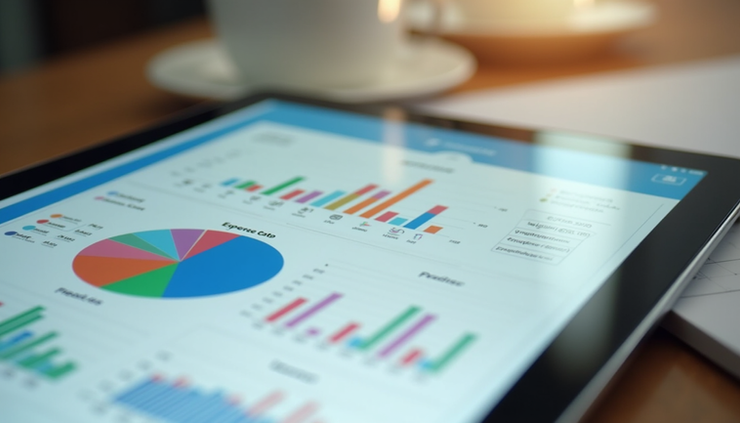
Reporting and charts: Visual summaries make it easier to understand spending patterns.
Budgeting integration: Enables setting limits and alerts for different categories.
Multi-currency support: Useful for travelers or international transactions.
Security: Ensures your financial data is protected with encryption and secure login.
How to Use Expense Tracking Tools Effectively
Having the right tool is only part of the solution. Here’s how to make the most of it:
Set Clear Goals
Define what you want to achieve with expense tracking. Are you trying to reduce debt, save for a vacation, or just stay on top of daily spending? Clear goals help you focus on relevant data.
Track Regularly
Consistency is key. Make it a habit to review and update your expenses daily or weekly. Many apps send reminders to help you stay on track.
Categorize Expenses Accurately
Proper categorization reveals where your money goes. Customize categories if needed to reflect your lifestyle better.
Review Reports Often
Use charts and reports to spot trends or problem areas. For example, you might notice that dining out expenses are higher than expected.
Adjust Your Budget
Based on your tracked expenses, adjust your budget to be realistic and achievable. This helps prevent overspending and builds financial discipline.
Practical Examples of Expense Tracking in Action
Example 1: Freelance Professional
A freelance graphic designer uses Expensify to track business expenses like software subscriptions, client meals, and travel costs. The app scans receipts and generates monthly reports, simplifying tax preparation.
Example 2: Family Budgeting
A family uses Mint to monitor household expenses. They set budgets for groceries, utilities, and entertainment. The app sends alerts when spending nears limits, helping avoid surprises.
Example 3: Small Business Owner
A small business owner relies on Wave to track expenses and income. The platform integrates invoicing and accounting, providing a full financial overview in one place.
Tips for Choosing the Right Expense Tracking Tool
Start with free versions to test usability and features.
Consider your device preferences: mobile, desktop, or web.
Check for bank compatibility to ensure smooth transaction imports.
Look for good customer support and regular updates.
Read user reviews to learn about real-world experiences.

Comments